
What your client sees
Client Billing from your client's side: the payment email, Stripe's secure checkout, receipts, their Payments page, and how a subscription is cancelled.

Your client doesn't need a Stripe account or a new password to pay you. Everything starts with the link you send them from their profile.
The payment email
When you click 'Email to client', your client gets an email from "QuickCoach Payments" with the subject "Sam Taylor sent you a payment request", with your name in place of Sam's. It shows the amount, what it's for and who asked, above a 'Pay securely with Stripe' button.
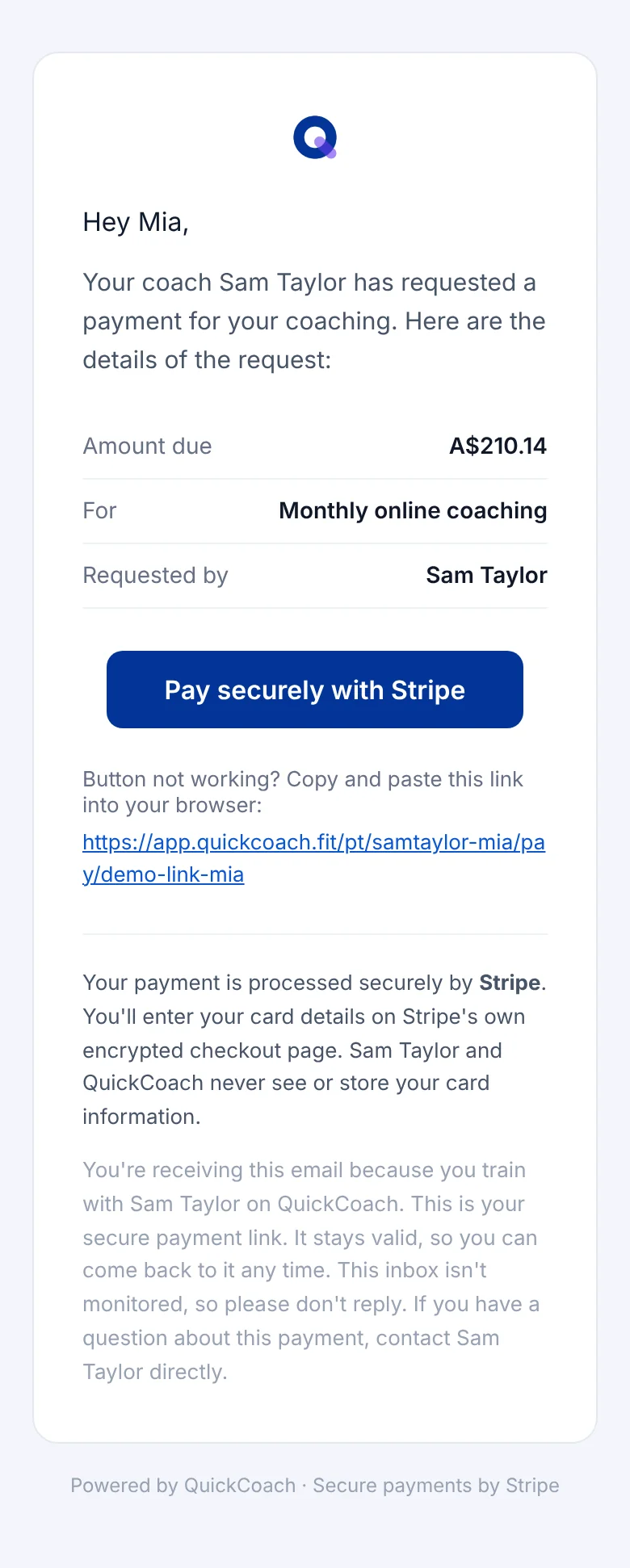
On Pro, the email carries your app's logo instead of QuickCoach's, and the message itself doesn't mention QuickCoach. It still arrives from QuickCoach's payments address.
If you copied the link and sent it yourself, your client follows the same link from your message.
Paying on Stripe's checkout
The link opens Stripe's secure checkout page. Your client enters their card details there, never in QuickCoach, and pays the package price. For a subscription, the checkout shows how often they'll be charged. Once they've paid, they land back on their QuickCoach page.
Whether Stripe emails your client a receipt depends on the email settings in your Stripe Dashboard.
Their Payments page
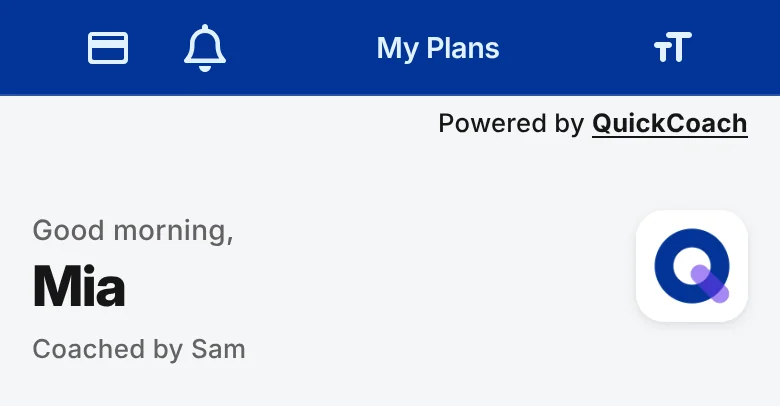
Once you've charged a client, a card icon appears at the top of their My Plans page. It opens their 'Payments' page.
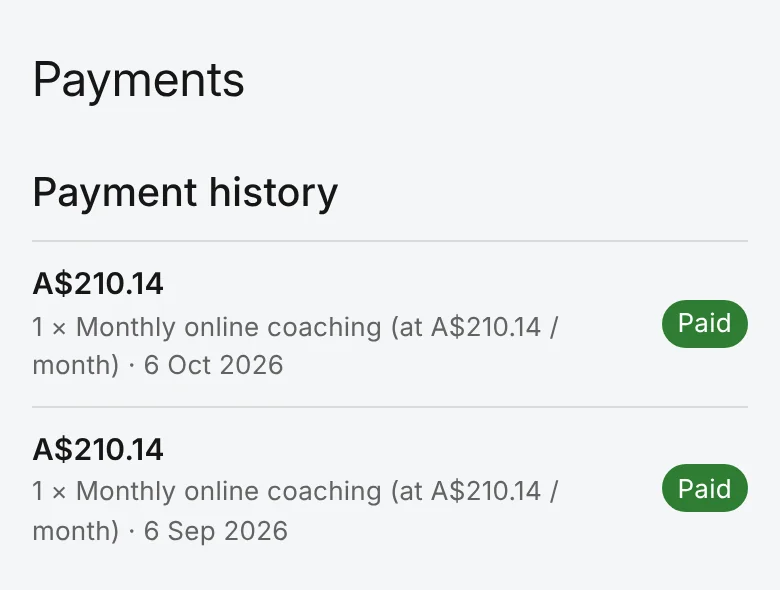
The 'Payment history' list shows each payment's amount, what it was for, the date and its status. Your client can't download anything here; receipts come from Stripe's emails, and you can open any invoice or receipt from your 'Payments' tab.
Cancelling a subscription
When a client wants to stop paying, they ask you, and you cancel the subscription from QuickCoach. It runs to the end of the period they've paid for, and no further payments are taken. Their access to their plans doesn't change.