
What clients see inside a plan
Walk through a plan the way your clients see it, from the home button and print option to the plan notes you write in the builder.

Clients open a plan from their home page and work through the tasks inside it. This tour covers the frame around those tasks. If you're not sure where plans live on the client side yet, start with how clients see their plans and come back.
Returning to the home page
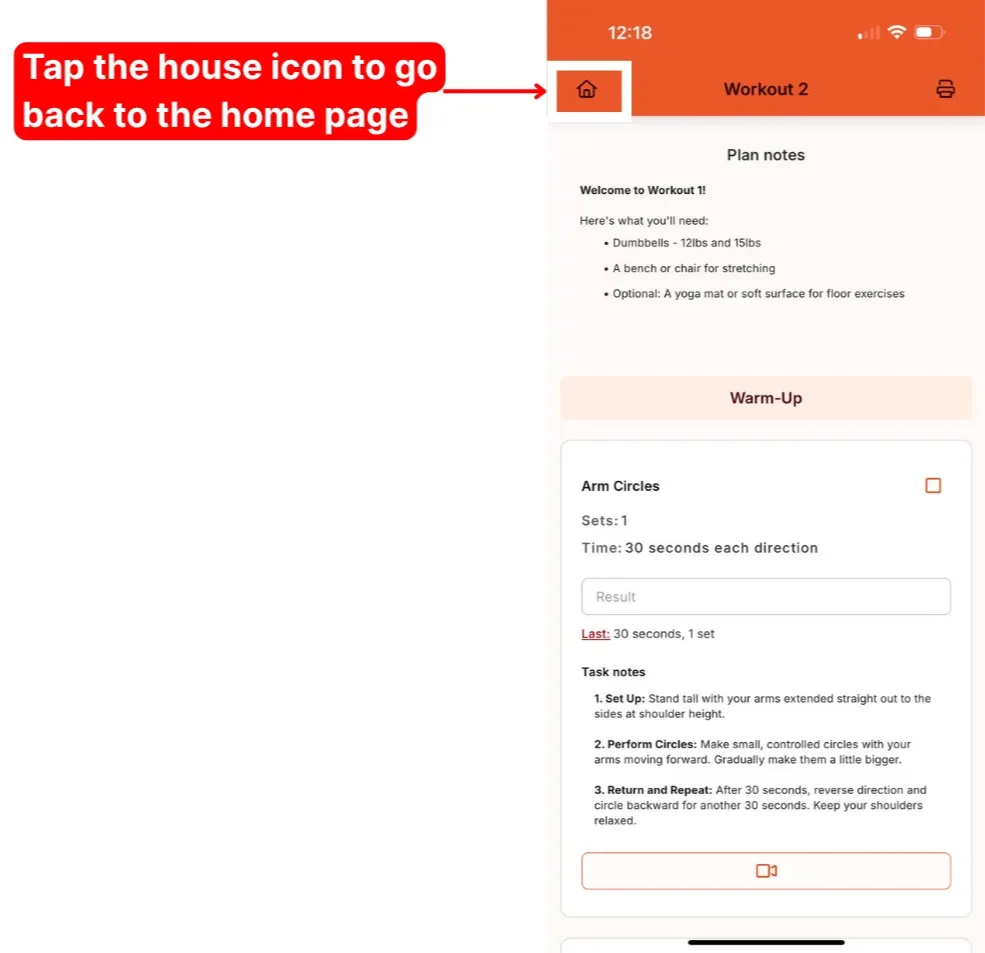
Clients tap the house icon at the top of a plan to go back to their home page.
Printing a plan
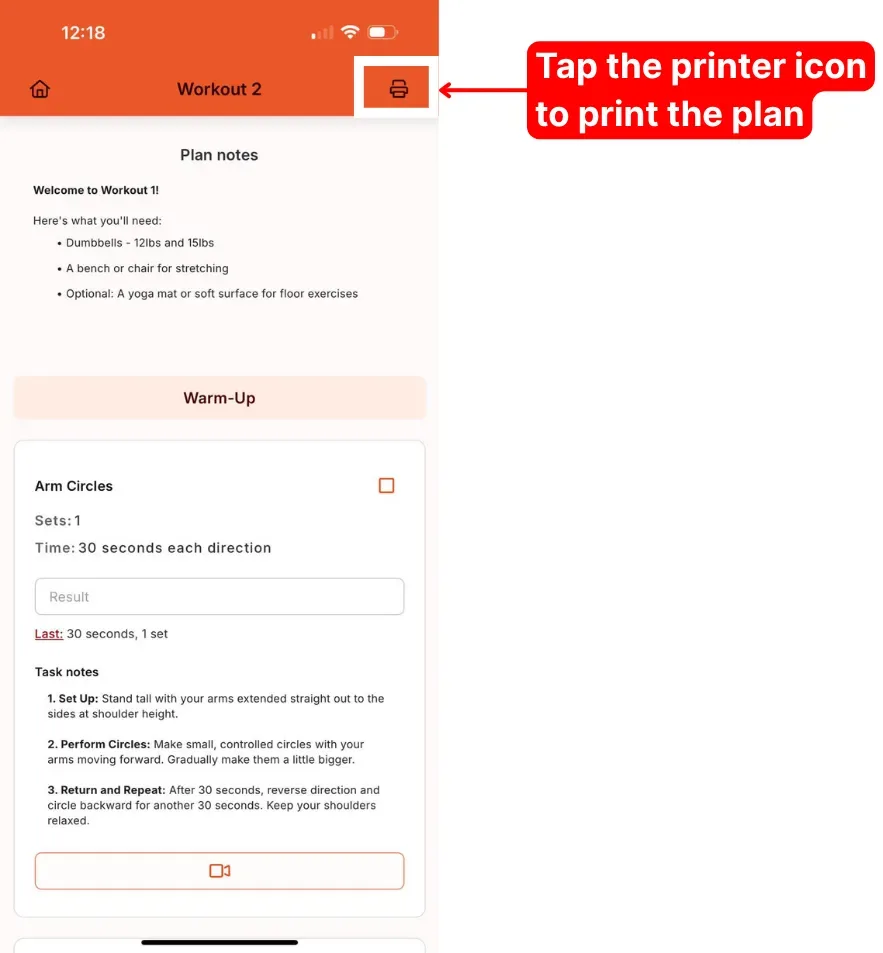
The printer icon exports the plan as a PDF, ready to print. Handy for clients who like a paper copy in the gym, or for anyone training somewhere without their phone.
On Pro, printouts carry your branding. See customise your plan printouts for what you can change.
Plan notes
Plan notes sit at the top of your client's plan, before the first task. It's a great spot to set the tone for the plan, list any equipment they'll need, or flag anything else worth knowing before they start.
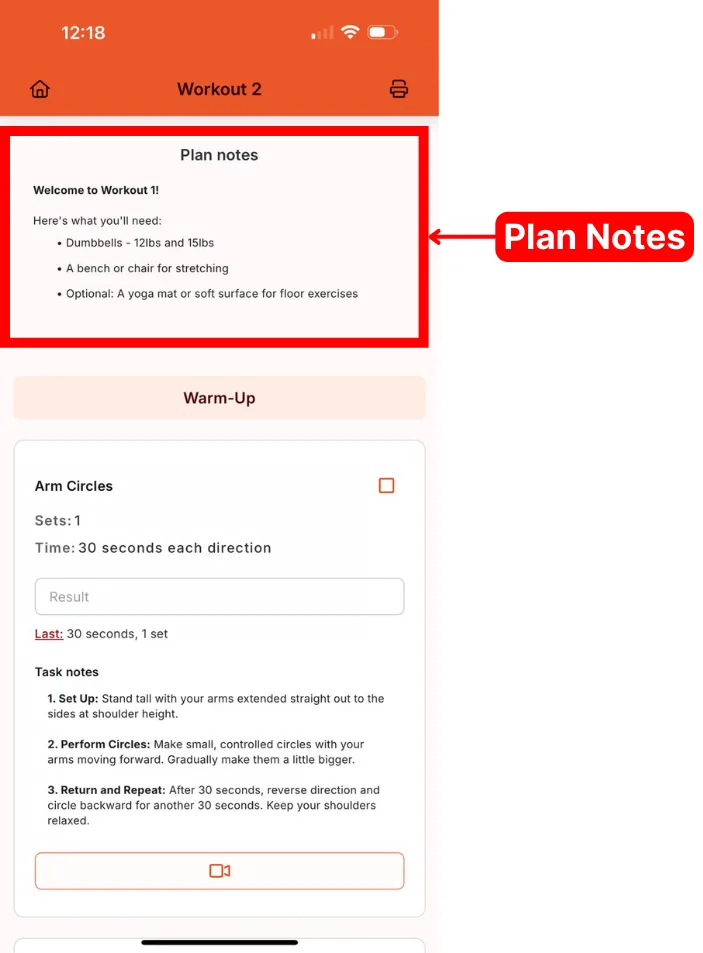
On your side, the same notes live at the bottom of the plan builder. Whatever you type there appears at the top for the client.

The plan builder tour shows where everything else sits on the coach side.
The rest of the plan is the tasks themselves. Next, see how clients see and complete tasks, including the results box and history.
Good to know about the client side
- Six plans at a time. Plan lists show six plans per page, with Next to see more.
- Results boxes hold 50 characters. Tell clients the format you want, such as "60 x 8", if space is tight.
- Tapping Complete tidies the view. It collapses the task. What's recorded is what the client types in the Result box, and only for tasks in your library.
- Submitted and skipped plans are locked. Clients can view them but not change them. You can still fix a result from History.
- Two more ways to share. After submitting, clients can leave a written or audio note and answer your post-plan survey.
Your account comes with a starter client. Give it a few plans and use it like a real client so you can explain the experience with confidence.
Make the app easier to read
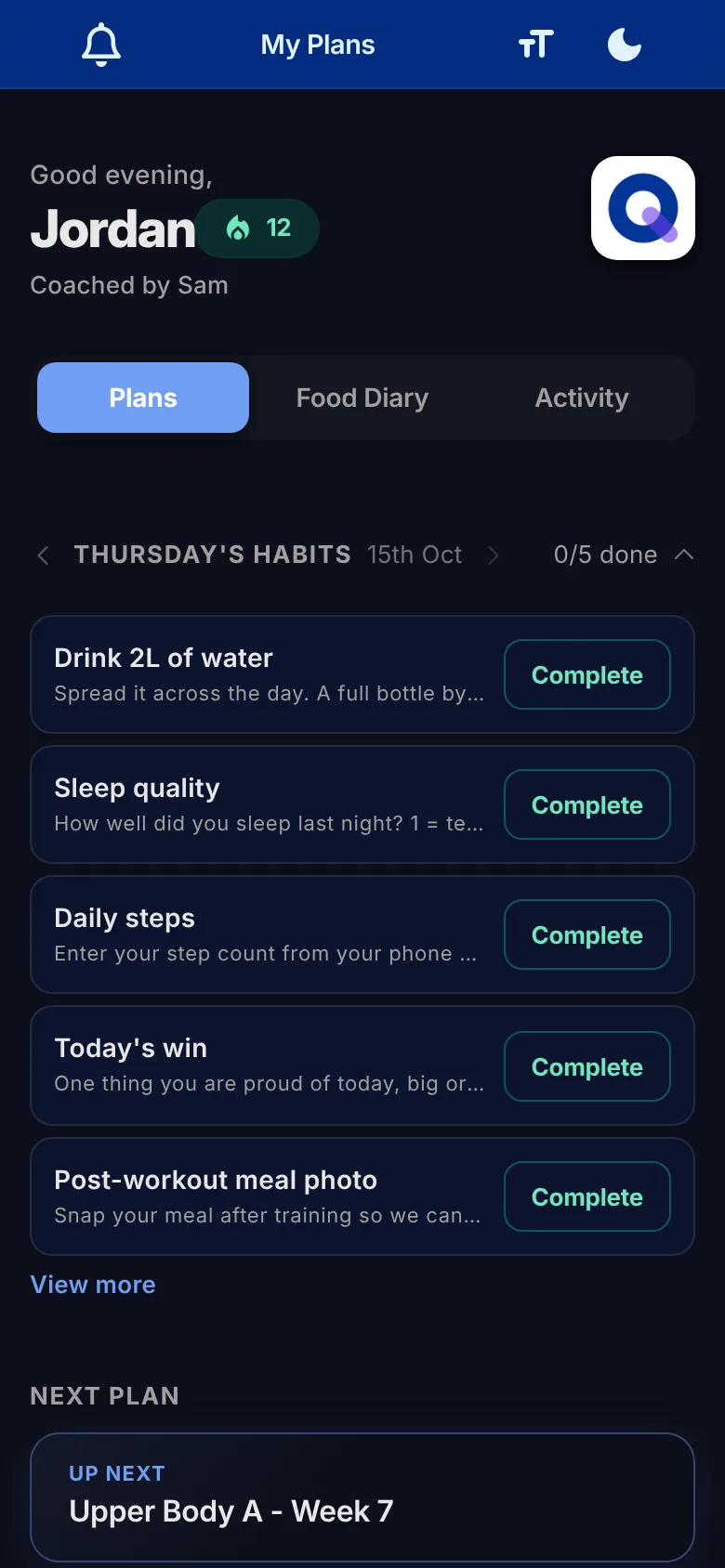
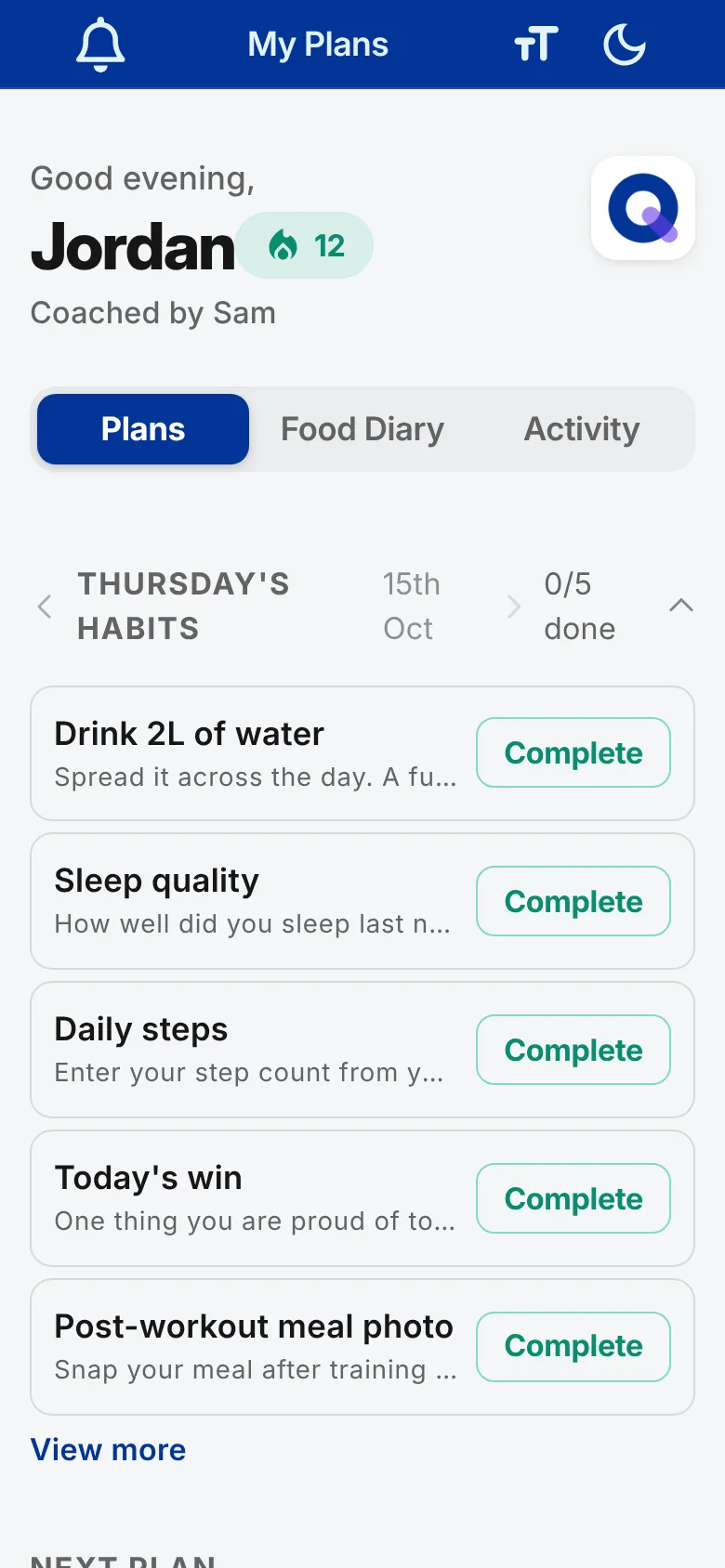
Clients can change how the app looks from the icons at the top of their home screen, which also sit at the top of each plan. The Text size button offers System default, Large, Extra large and Huge, which helps anyone who finds small text hard going. Every client has it, whichever plan you're on, and the choice is remembered on that device.
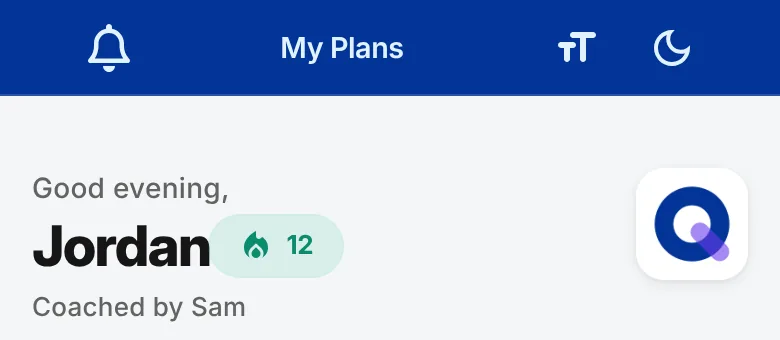
Clients of Pro coaches also get a dark mode switch, which is easier on the eyes in an evening session or a dim gym.
Beyond the plan itself, clients of Pro coaches can track their own progress on the Activity tab.