
A client guide to logging habits
A guide you can copy straight into a message to clients: where daily habits live on their home screen and how to respond to each one in a few seconds.

This guide is written for your clients, so feel free to copy it straight into a message. If a client is brand new to the app, send them the install guide first.
Your coach has set up daily habits for you in QuickCoach. Responding to them takes a few seconds. Here's how.
- Open your QuickCoach app.
- Find the day's habits on your home screen.
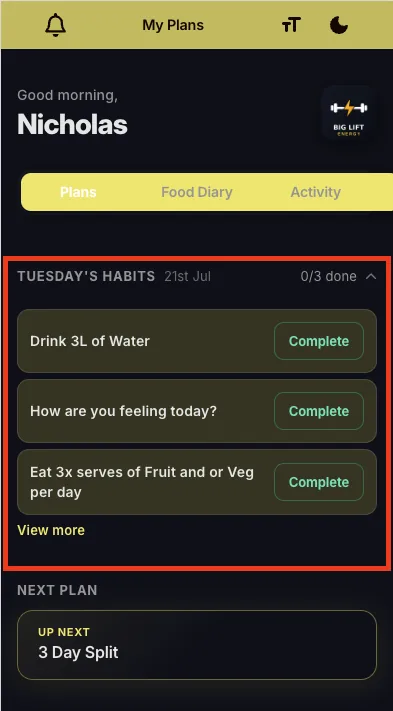
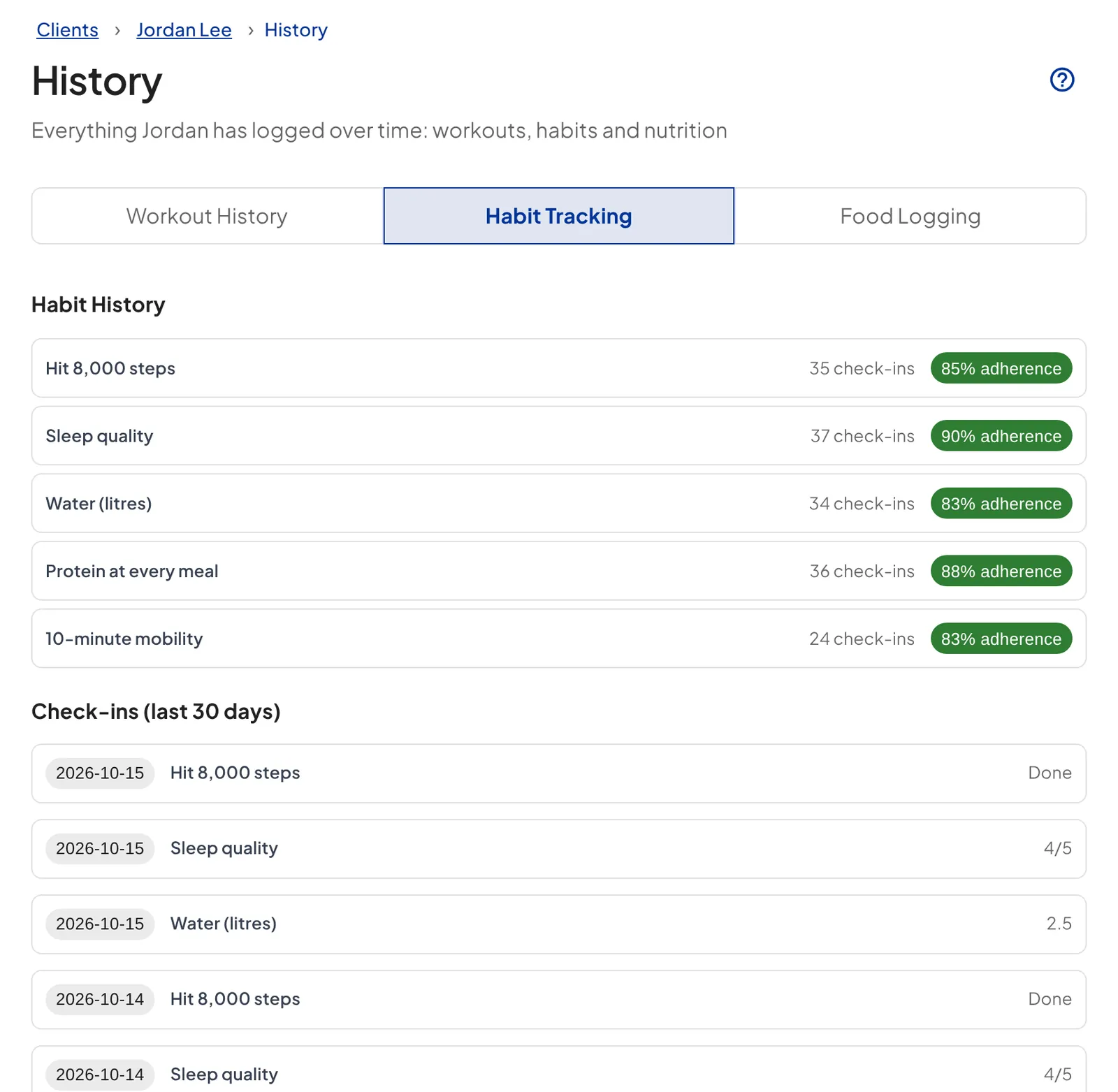
- Tap each habit and enter your response. Some are a simple complete button. Others ask you to rate something, enter a number, write a quick note or add a photo, depending on what your coach set up.
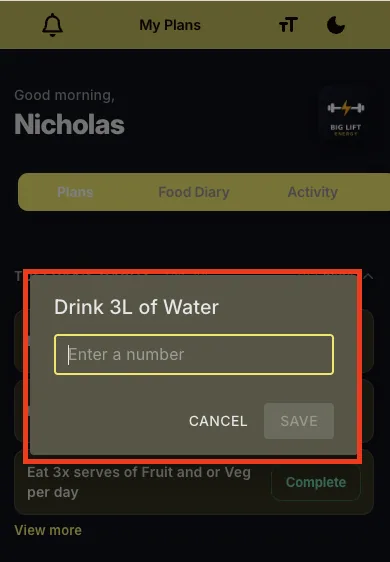
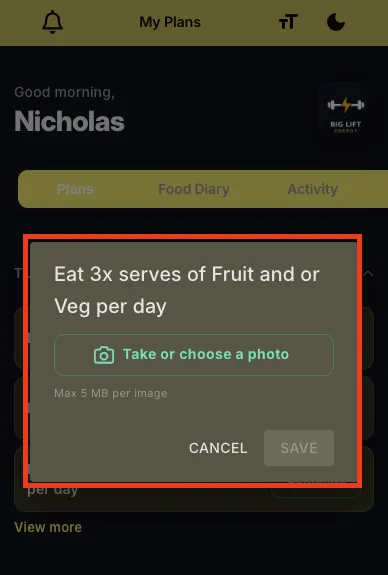
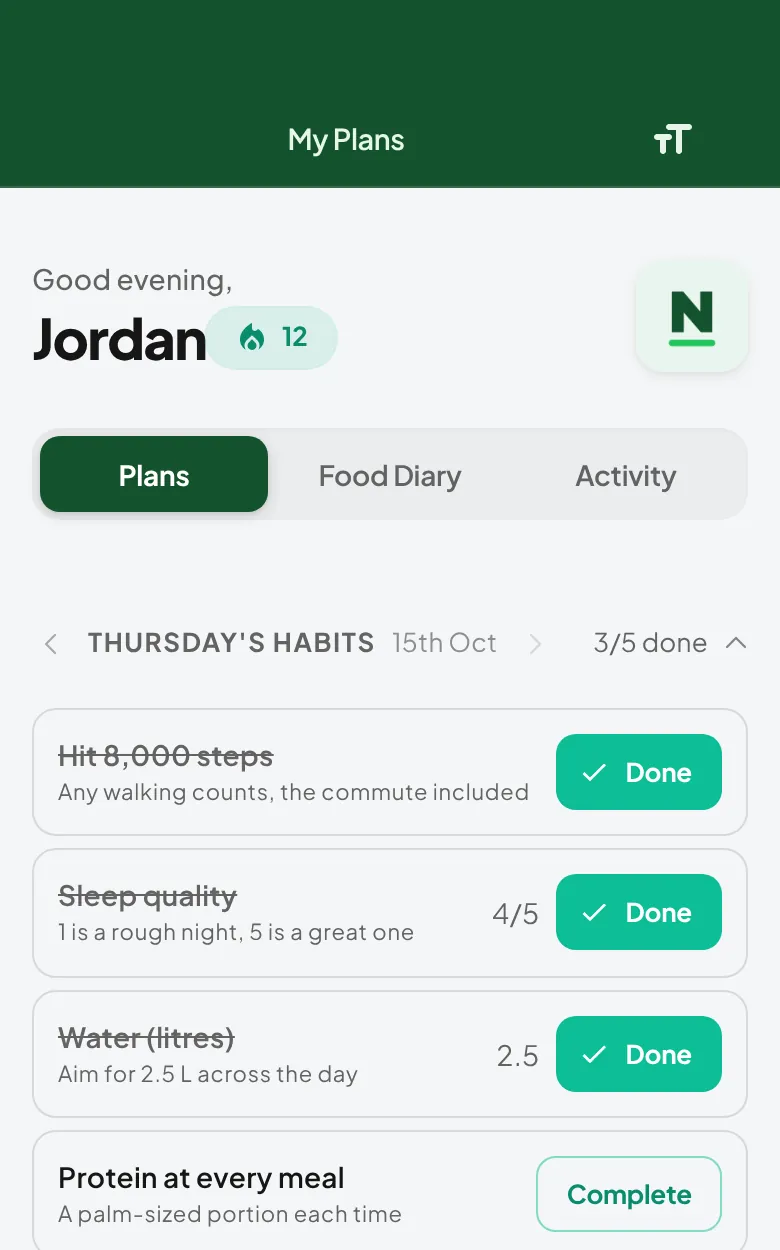
That's it. Your coach can see your responses, so every one helps them coach you better.
Note: if you miss a day, just pick it up the next day. Consistency over months matters far more than a perfect streak.