
Logging food from the verified database
A client guide to food search: find packaged foods among 2.3 million verified items, set the exact portion and log macros you and your coach can trust.

For packaged foods and precise entries, clients search over 2.3 million verified food items and log exact portions. This guide is written for your clients, so feel free to copy it straight into a message.
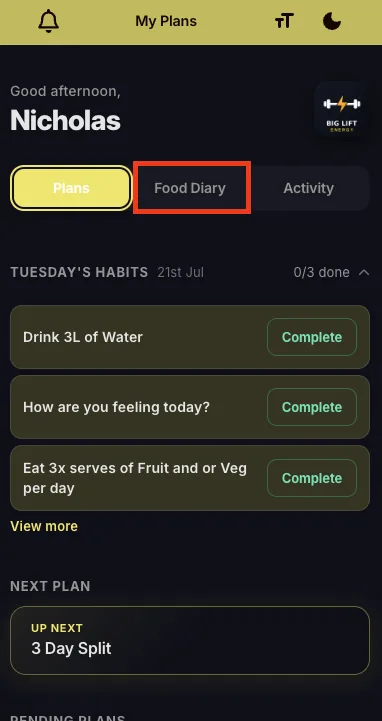
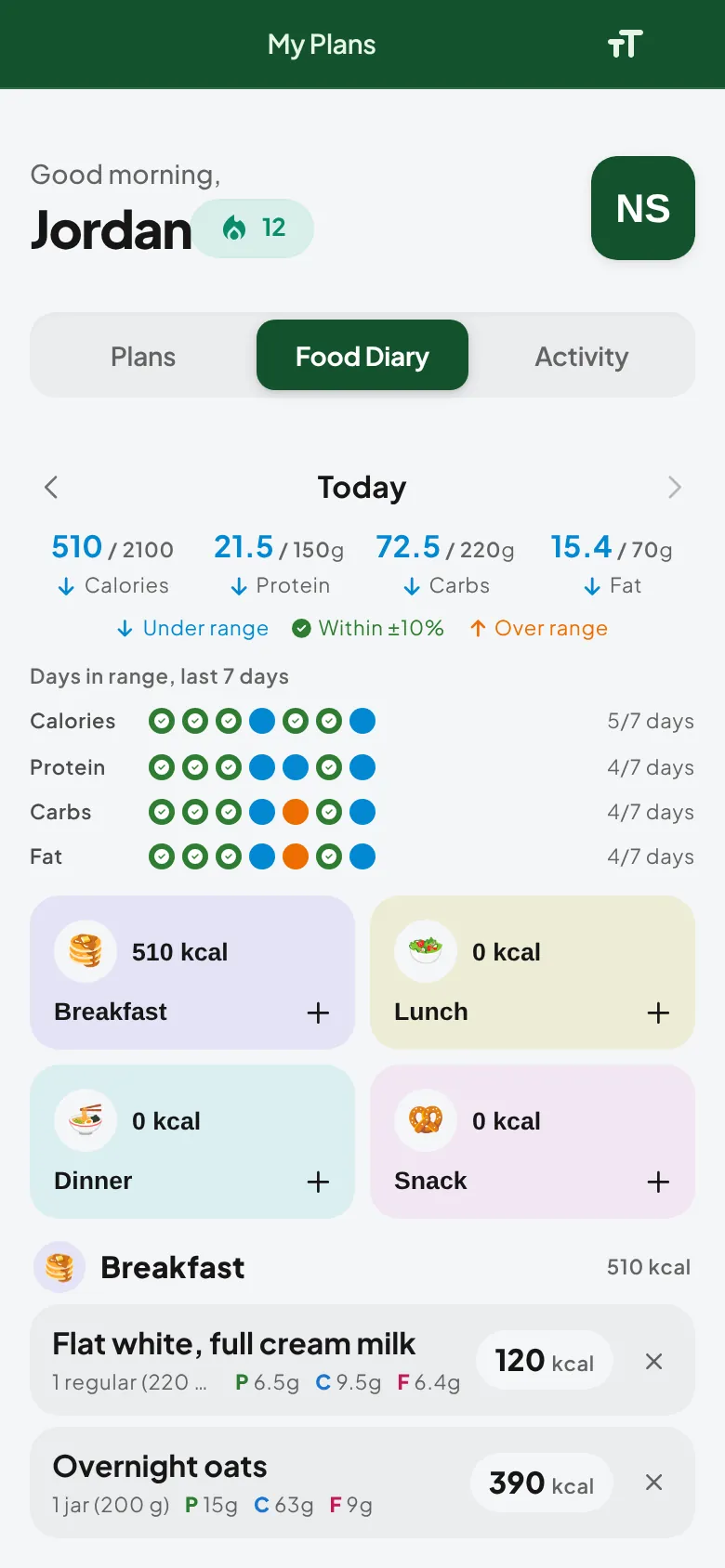
- Open your QuickCoach app and go to the Food Diary tab.
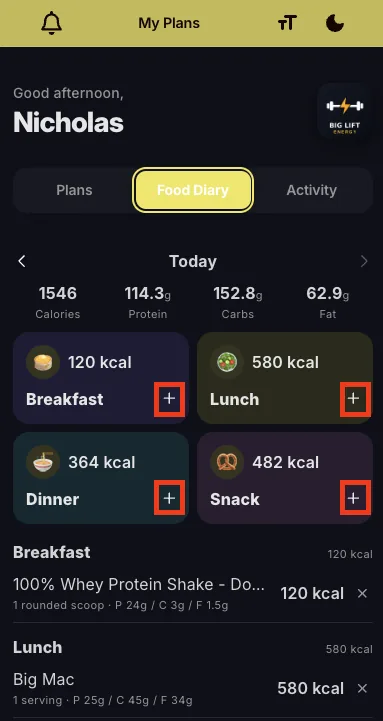
- Tap the + button to log a meal or snack.
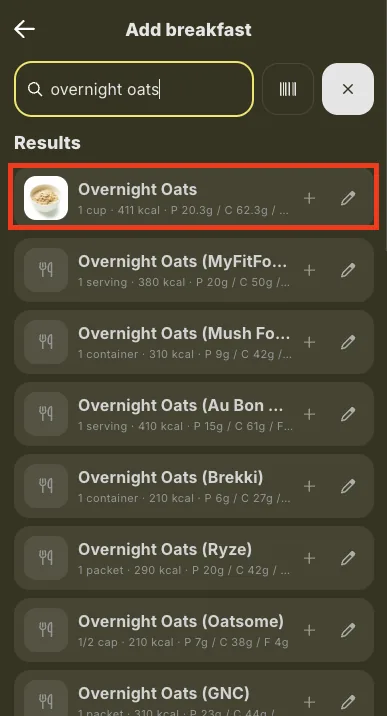
- Type in the food you are looking for. In this example we are searching for overnight oats.
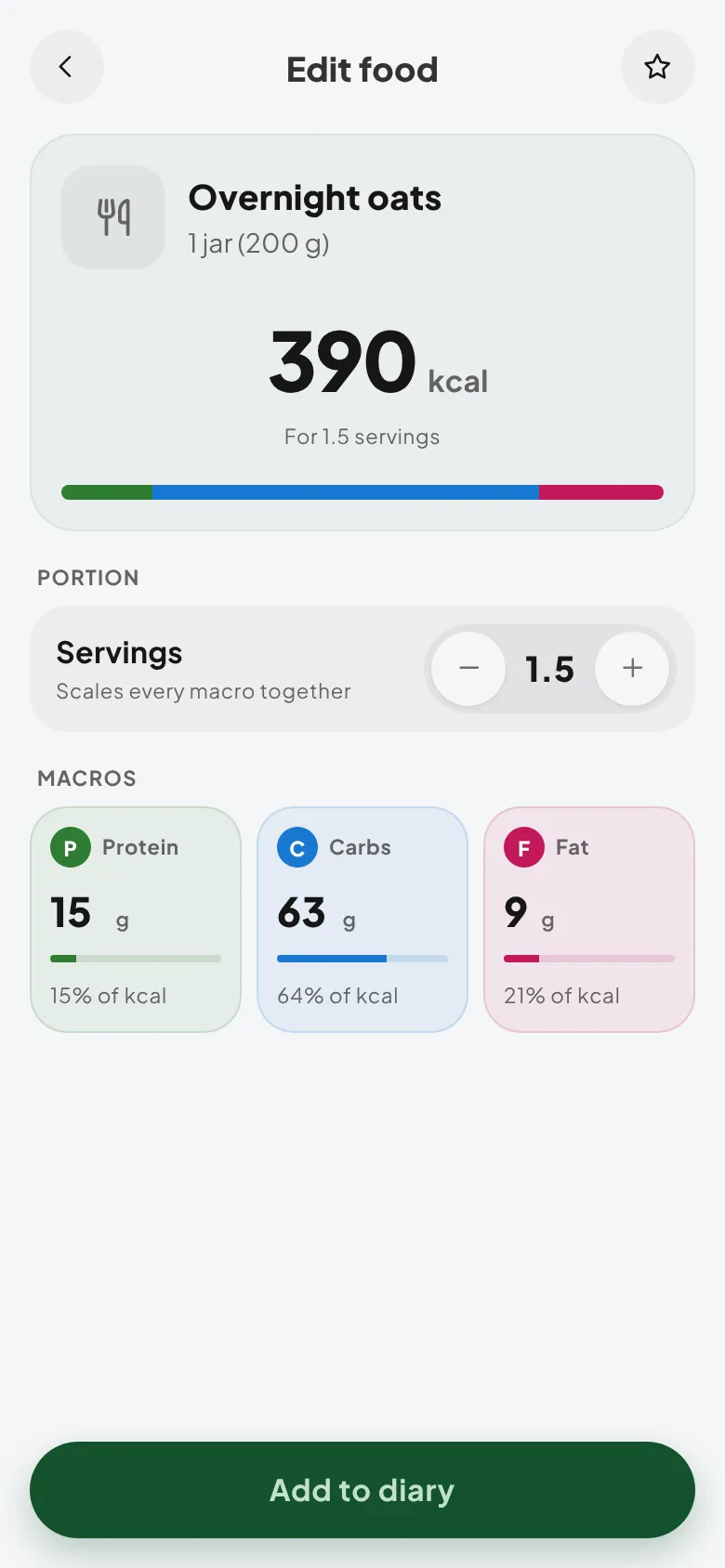
- Choose the food item, set your portion size, and tap add.
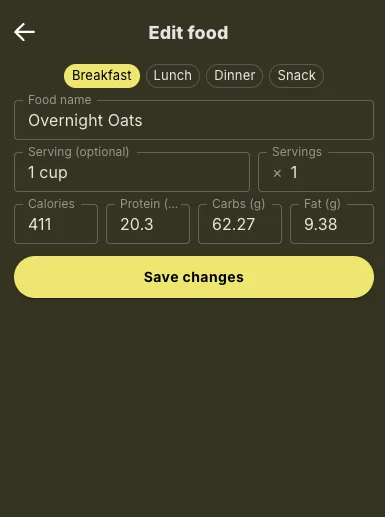
The entry lands in your Food Diary with verified macros, so both you and your coach can trust the numbers.
Note: verified means the macros behind each entry are checked rather than crowd-sourced guesses, which is why search is the better option when exact numbers matter.
Re-log foods you eat often
You don't need to search for the same breakfast every morning. Before you type anything, the add screen shows two lists:
- Saved: foods you've starred. Tap the star on any food, whether it's a search result, a recent food or one you entered yourself, and it stays at the top. You can save up to 100.
- Recent: up to 25 of the different foods you've logged lately, newest first.
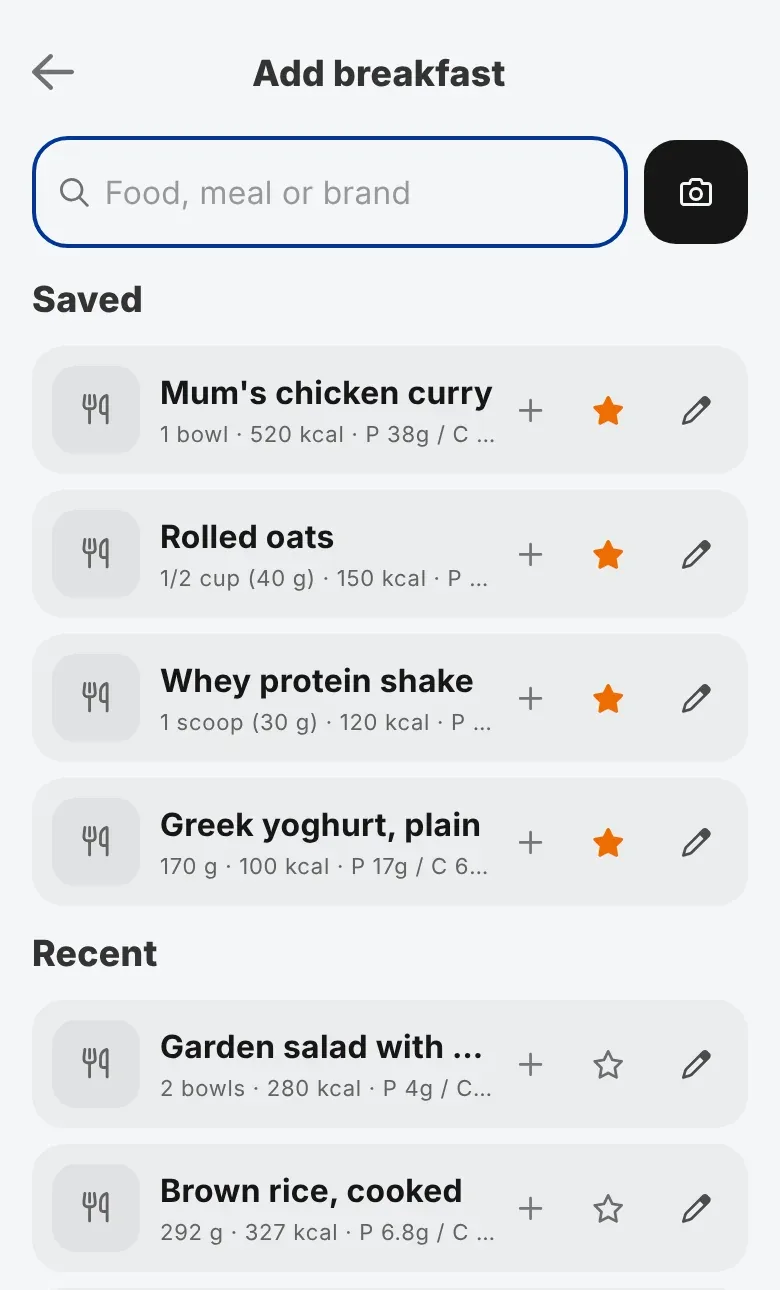
Tap a food to log it straight away, or tap the pencil to change the portion first. A saved food keeps the portion you saved it with, so your usual serving is one tap away. Tap a filled star to remove a food from Saved.
Logging something with a barcode? If your coach has the Nutrition Booster Pack, scanning the barcode is faster still.
New to logging food? The client guide to the Food Diary covers the whole tab, from daily totals to fixing an entry.