
Barcode scanning for food logging
A client guide to barcode scanning: scan the barcode on a packaged food, check the item and servings, and it lands in your Food Diary with its calories and macros.

Barcode scanning makes packaged food the fastest thing your clients log. It comes with the Nutrition Booster Pack. This guide is written for your clients, so feel free to copy it straight into a message.
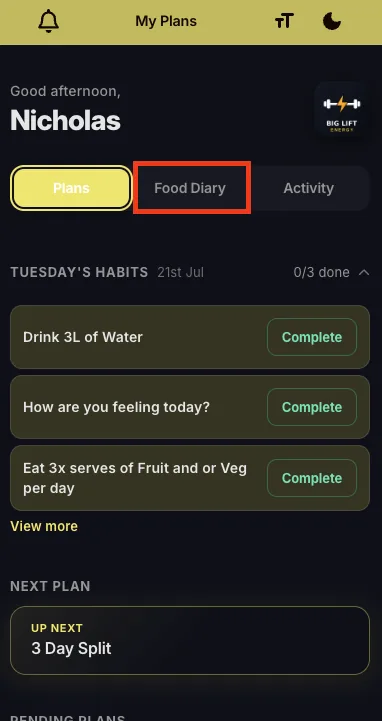
- Open your QuickCoach app and go to the Food Diary tab.
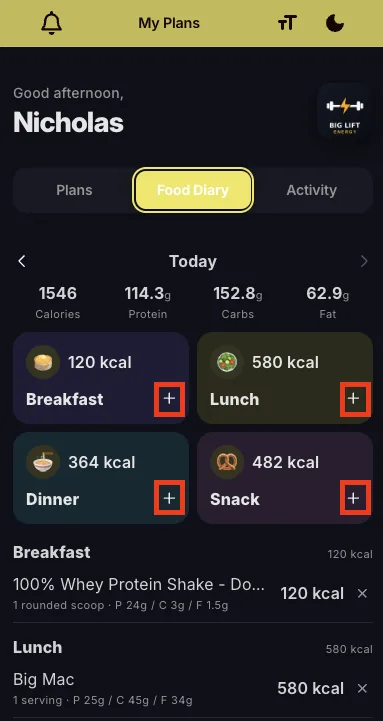
- Tap the + button to log a meal or snack.
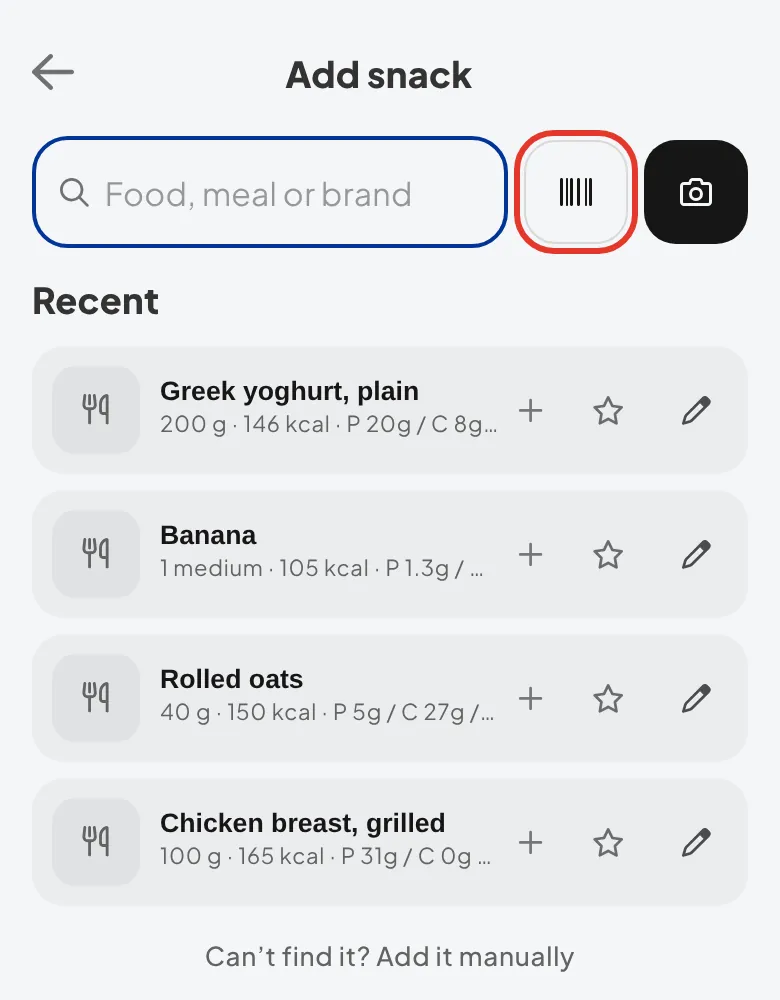
- Tap the barcode icon next to the search bar.
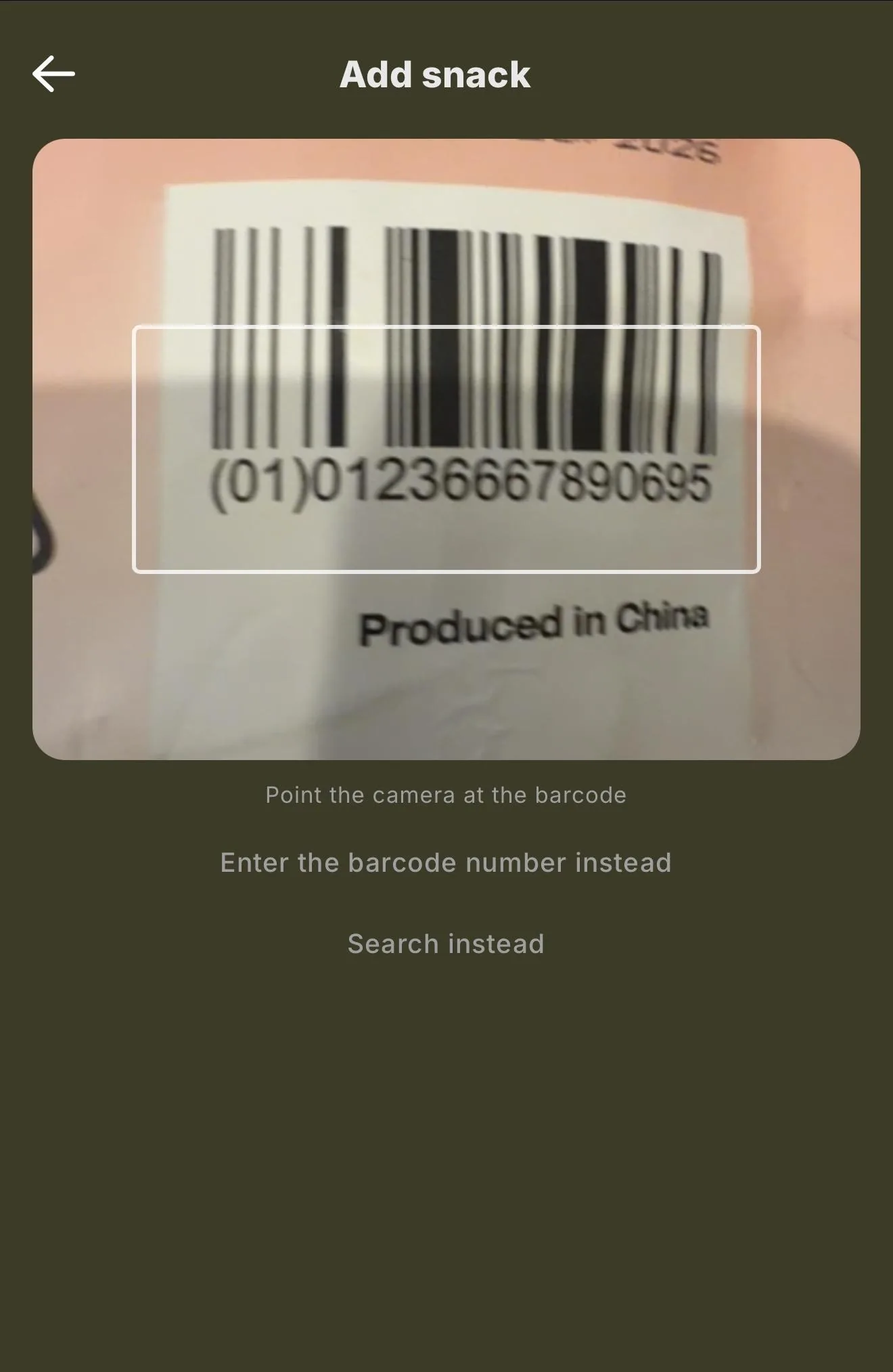
- The Meal Scanner opens in Barcode mode. Point your camera at the barcode on the packaging and hold it inside the frame. It scans by itself, so there's no button to press.
- Check the item, set your servings and tap 'Add to diary'.
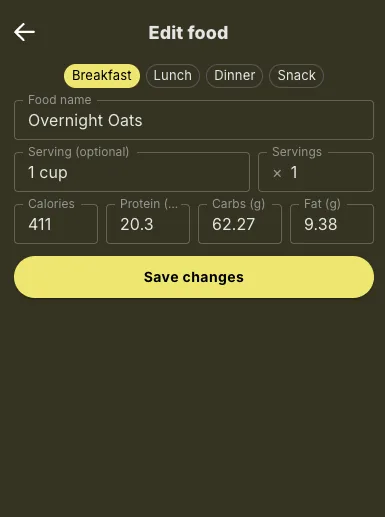
The food lands in your Food Diary with its calories and macros, and your coach can see it straight away.
Note: barcode scanning works on most packaged foods. If a product isn't found, search the verified database for it instead. No camera, or camera access turned off? You can type the barcode number in instead.