
The welcome email your clients get
When you send a client their account through QuickCoach, they get a welcome email with a Get Started button and their personal link. Here's what they see.

When you send a client their account through QuickCoach, one of the ways to hand it over is a welcome email. This is what lands in their inbox and what they do with it, so you can guide them if they get stuck.
What clients see in their inbox
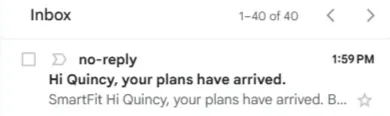
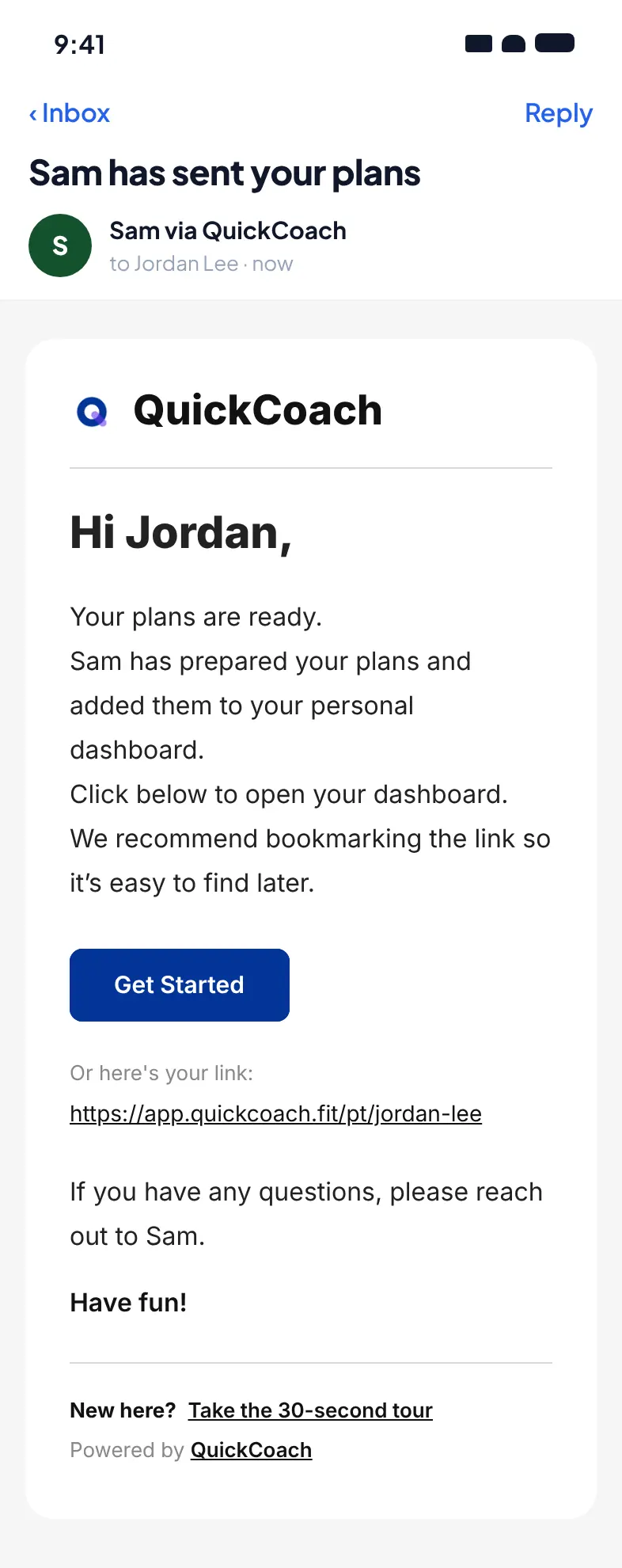
The email shows as coming from "[your first name] via QuickCoach", with the subject "[your name] has sent your plans". Replies go to your own email address. It sits in their inbox like any other message.
Inside the welcome email
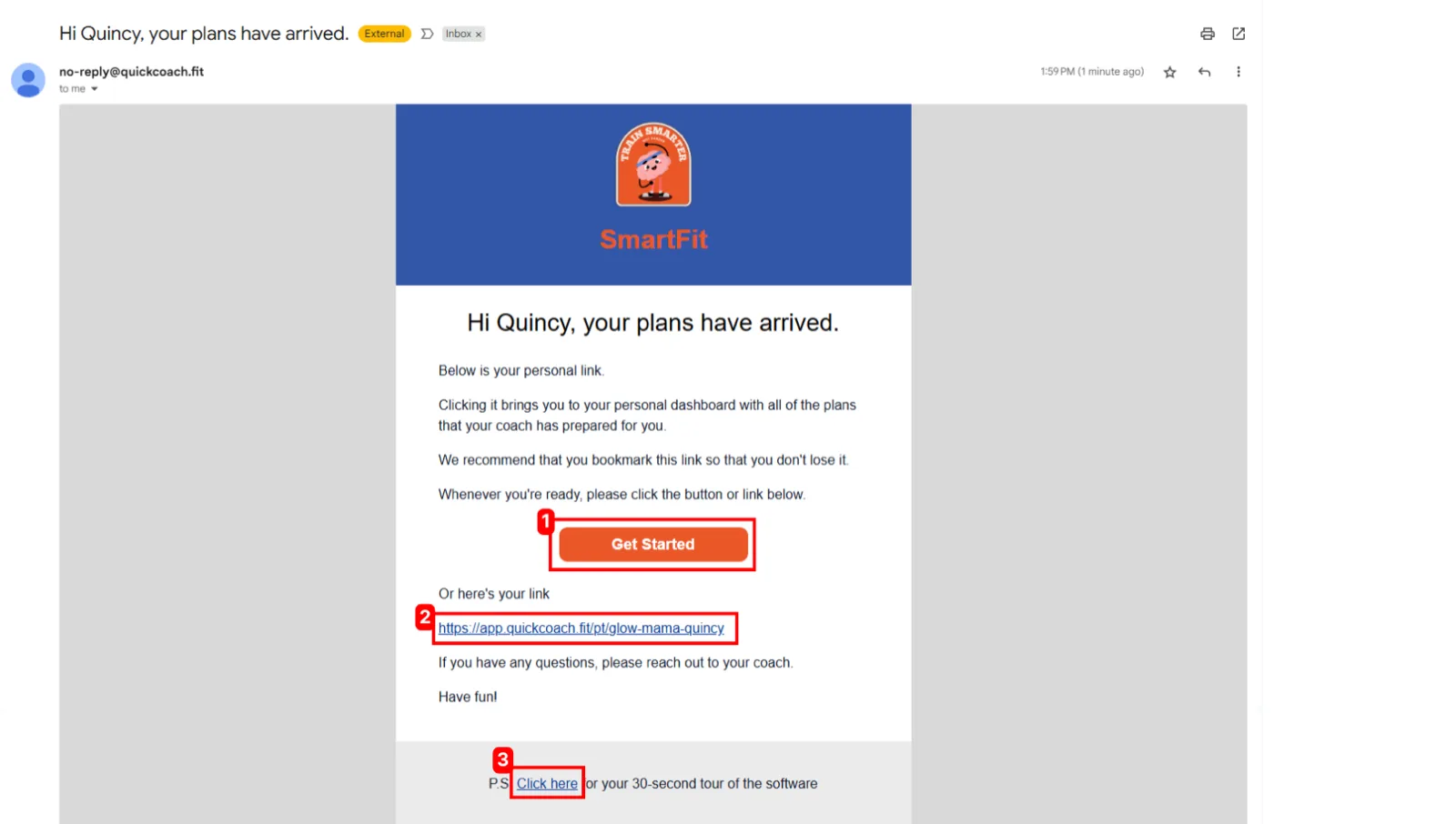
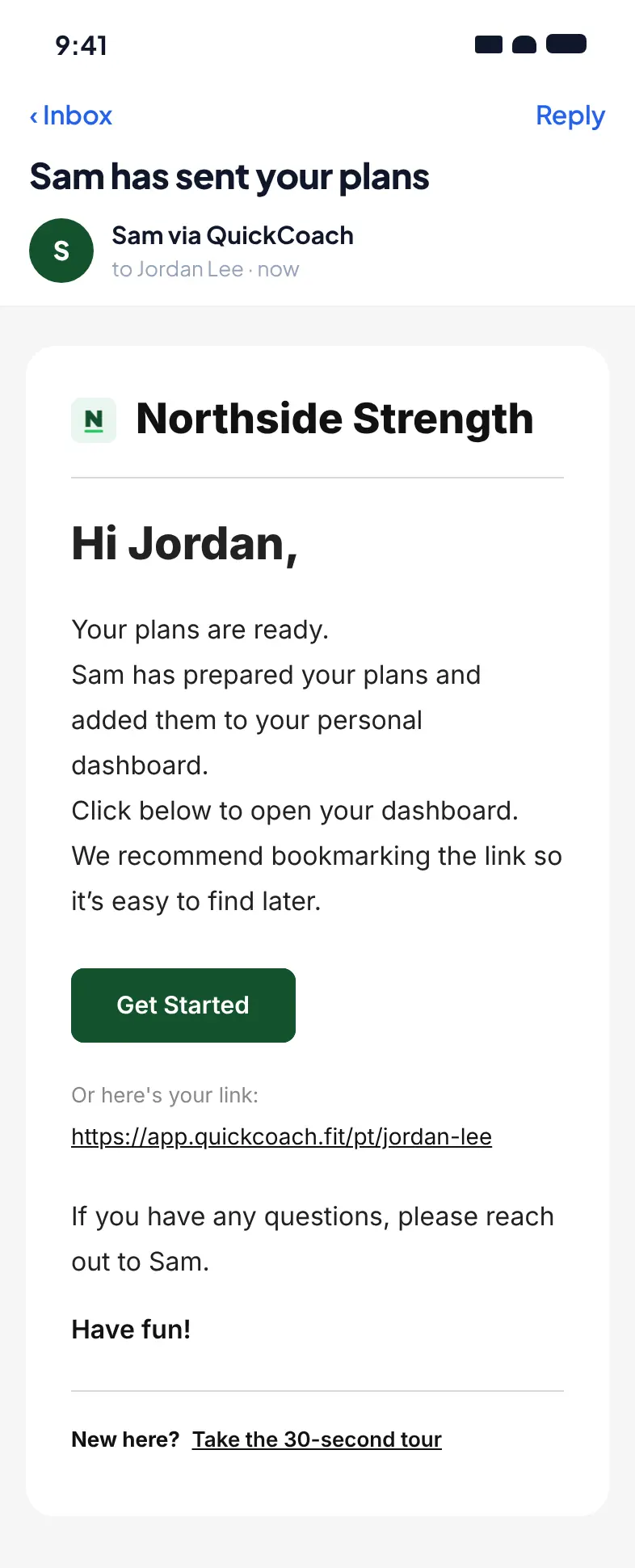
Opening the email, the client sees a logo at the top and a short message explaining that the link below opens their personal dashboard, where all the plans you've prepared are waiting. It also suggests they bookmark the link so they don't lose it.
Note: The email carries your own logo and branding on QuickCoach Pro. On the Free plan, clients get the QuickCoach-branded default instead.
There are three things a client can act on:
- The Get Started button takes them straight to their account.
- The personal link below the button does the same thing. Clients can copy it if they'd rather open or save it themselves.
- A tour link at the bottom opens a 30-second walkthrough of an example account, so they know what to expect.
Watch the 30-second account tour.
Note: QuickCoach's features and screen layouts may change over time, but the core workflow stays the same.
Once a client taps through, they land on their home page, which is the hub for everything you've assigned them. That layout is covered in how clients see their plans.
Can you change the email?
On Pro you can brand the email with your logo and colours and write your own body text, support line and sign-off. The setup, and what you can and can't change, is covered in customising your client welcome email. If you want to say something different entirely, copy the client's link from your account and send it from your own email or messaging service instead. There's a full guide to that in sending clients their account.