
Using QuickCoach habit packs
The six ready-made QuickCoach habit packs, what each one tracks, and how to add a pack to your Habits Library, adjust it and assign it to clients.

Habit packs are ready-made sets of habits written by the QuickCoach team. Instead of building a sleep or hydration routine from scratch, you add a pack to your Habits Library in one click, adjust anything you like, and assign it to clients. Packs are part of QuickCoach Pro.
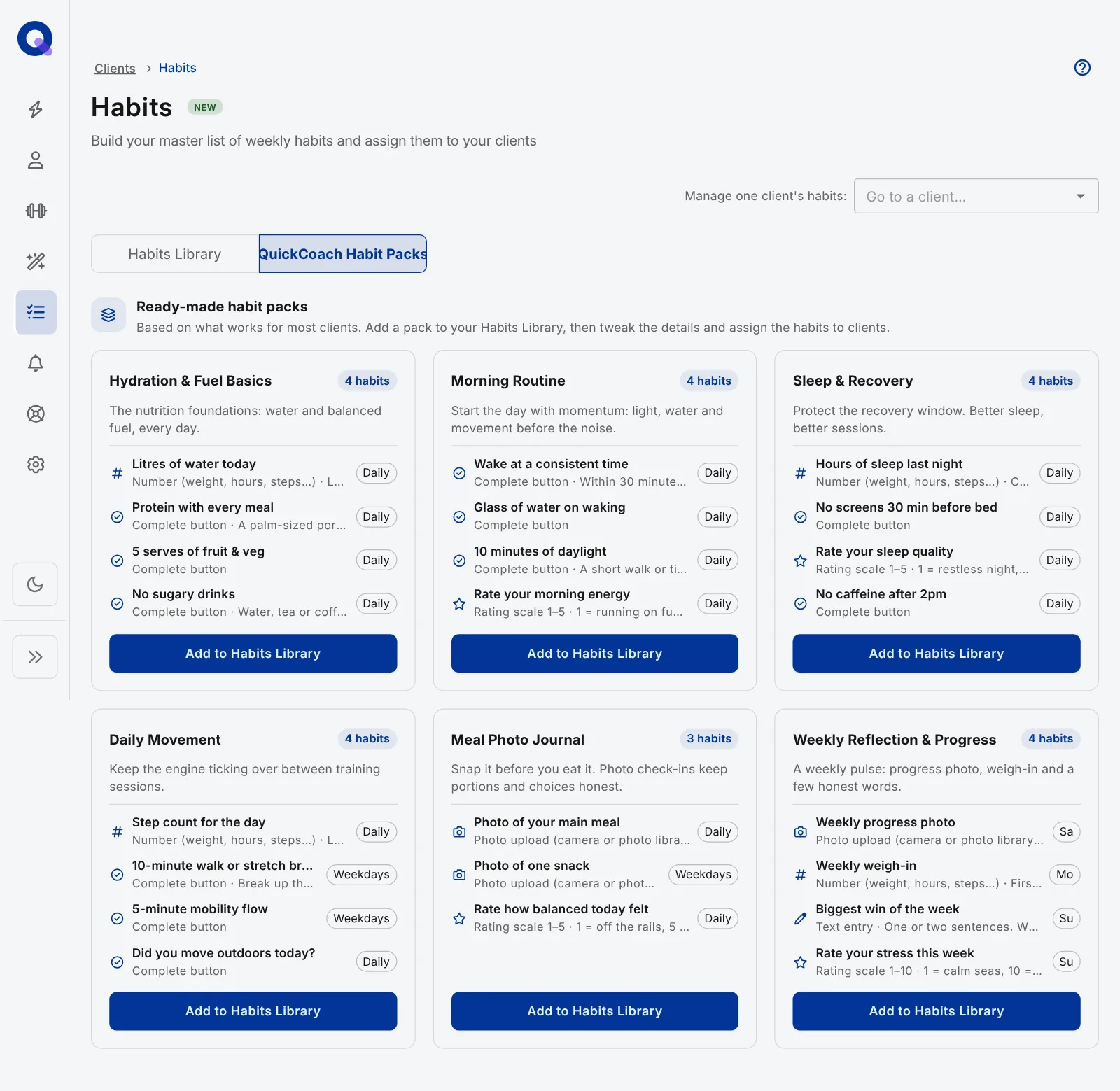
The six packs
Most packs have three or four habits. Between them they use every response type, so they double as a quick way to see what Pro habit check-ins can do.
| Pack | Habits | Schedule |
|---|---|---|
| Hydration & Fuel Basics | Litres of water today (number), protein with every meal, 5 serves of fruit & veg, no sugary drinks | Daily |
| Morning Routine | Wake at a consistent time, glass of water on waking, 10 minutes of daylight, rate your morning energy (1-5) | Daily |
| Sleep & Recovery | Hours of sleep last night (number), no screens 30 minutes before bed, rate your sleep quality (1-5), no caffeine after 2pm | Daily |
| Daily Movement | Step count for the day (number), 10-minute walk or stretch break, 5-minute mobility flow, did you move outdoors today? | Daily, with the walk break and mobility flow on weekdays |
| Meal Photo Journal | Photo of your main meal, photo of one snack, rate how balanced today felt (1-5) | Daily, with the snack photo on weekdays |
| Weekly Reflection & Progress | Weekly progress photo, weekly weigh-in (number), biggest win of the week (text), rate your stress this week (1-10) | Once a week, spread over the weekend and Monday |
Add a pack and assign it
- Click Habits in the side menu and open the QuickCoach Habit Packs tab.
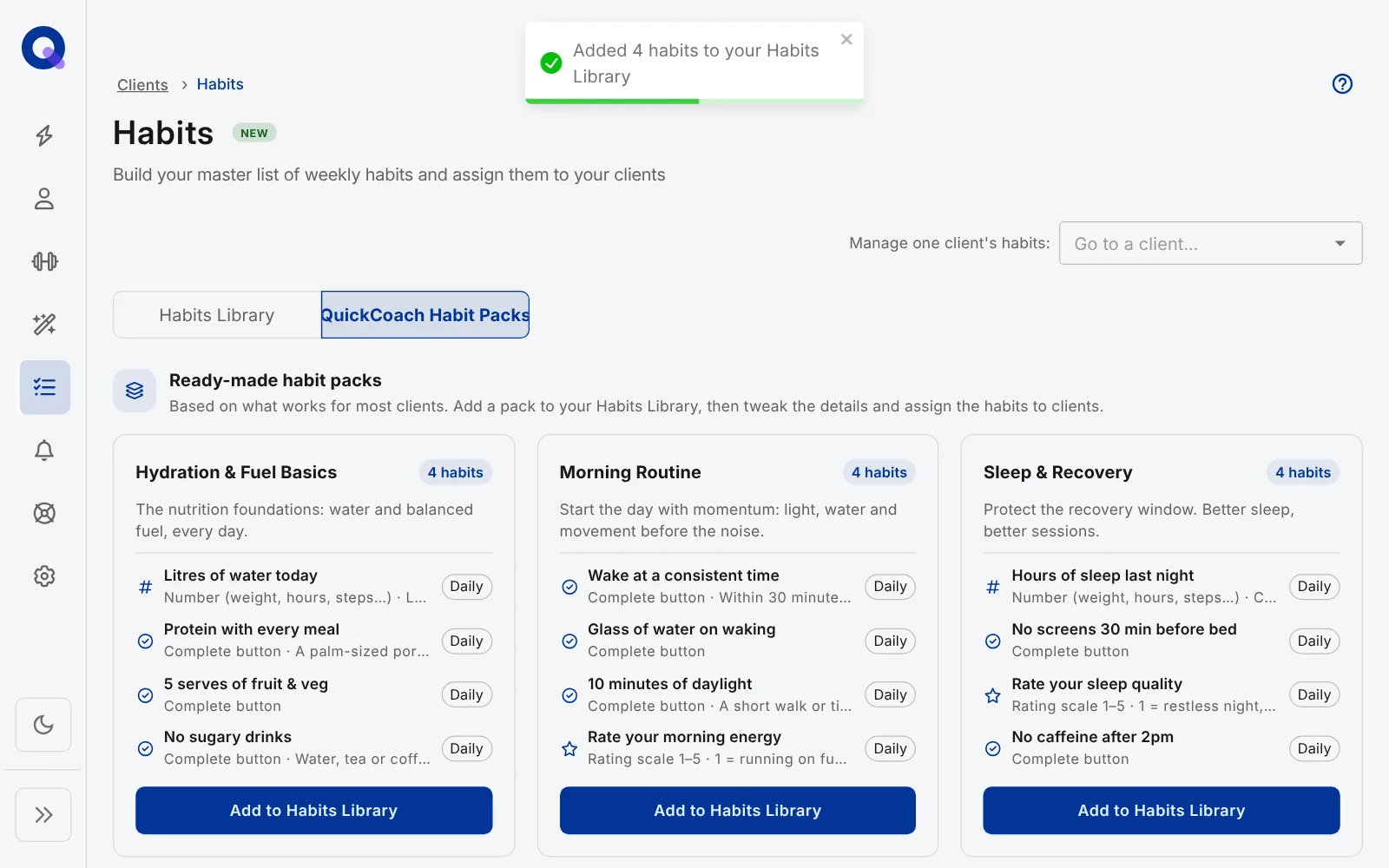
- Pick a pack and click Add to Habits Library. Its habits are copied into your own library, and a message confirms how many were added. If some are already there, they're skipped rather than duplicated. Packs aren't assigned to clients directly, so this step always comes first.
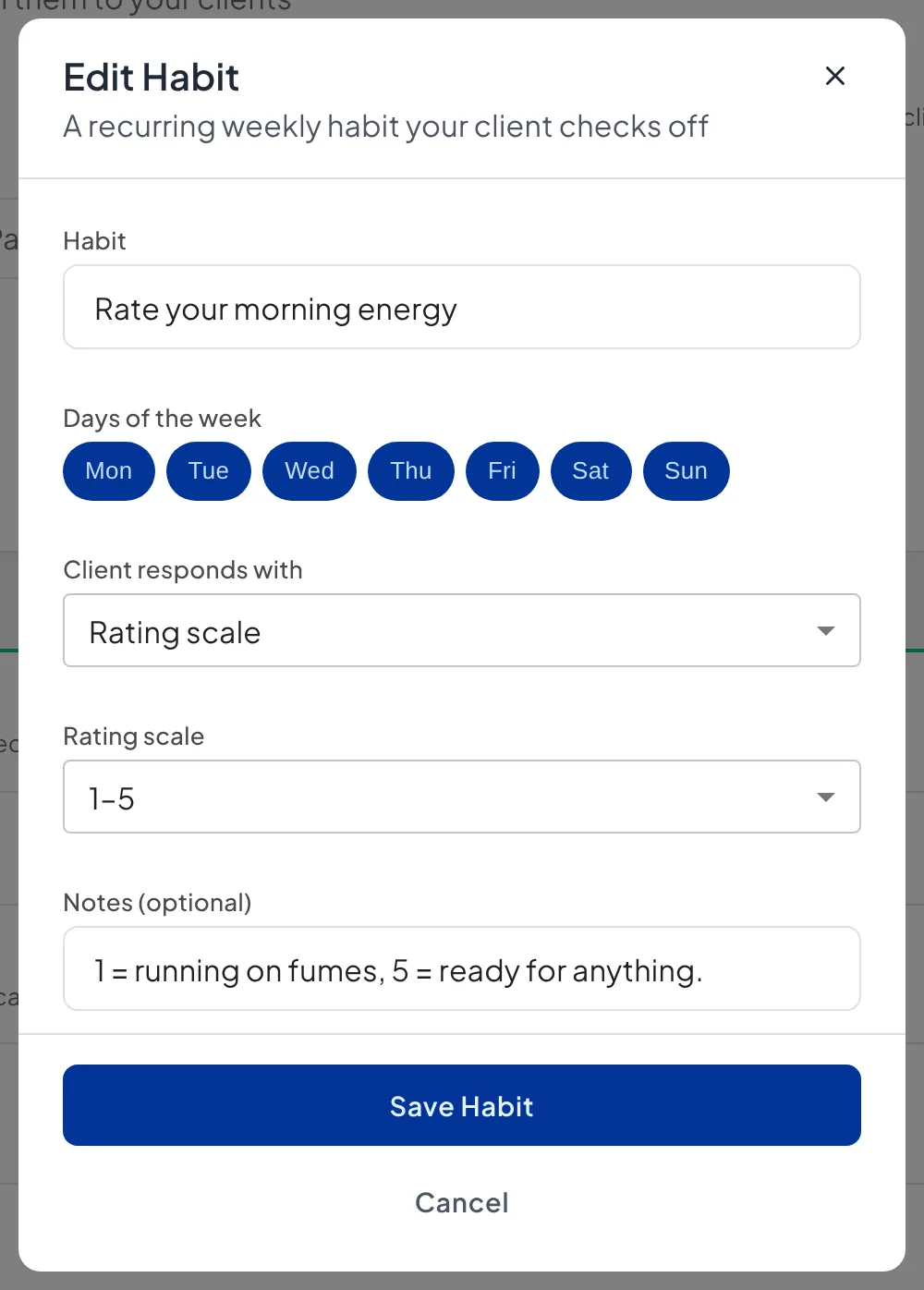
- On the Habits Library tab, click the edit icon on any habit to rename it, change the days or swap the response type.
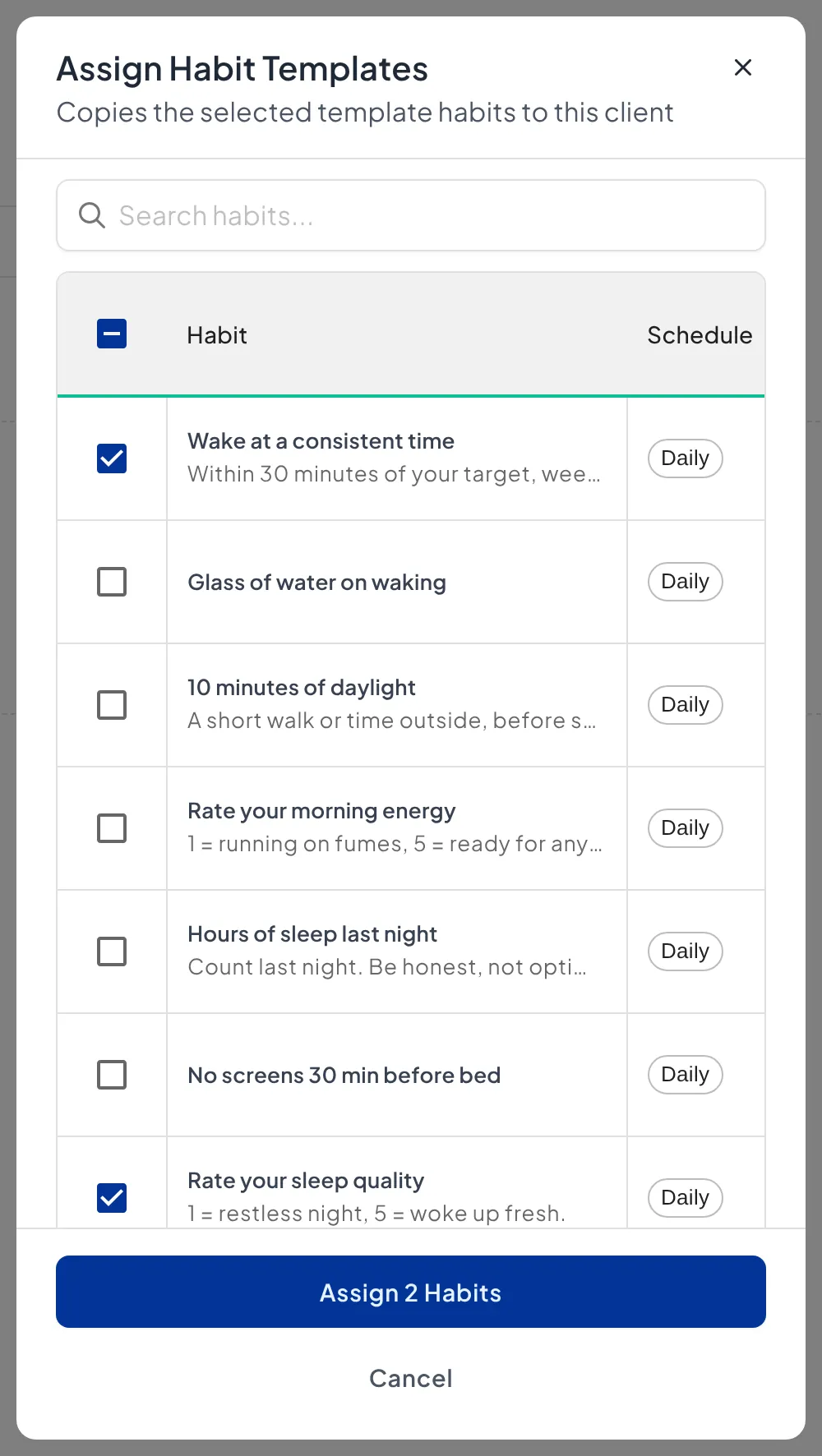
- Open the client's page and click the Habit Tracking tile. Click Assign from Template, tick the habits you want and click the button at the bottom, which counts them (for example "Assign 2 Habits").
Your copies are yours. Changing a habit in your library never changes the pack, and pack updates never overwrite your edits.
Tip: don't assign a whole pack on day one. Pick the one or two habits that matter most for this client, and add more once those stick. Running a habit coaching service covers pacing in more depth.
To see what clients experience when they check in, watch the clips in what Pro habit check-ins look like. To write your own habits instead, see creating custom habits.